I’ve been exploring ways to build a web app from Figma without doing everything manually. My goal was simple: find an automated workflow that doesn’t lock me into expensive subscriptions or heavy UI tools.
I tried a few common approaches first:
- Figma plugins – most of the decent ones require a paid plan.
- v0.dev – not bad, but Figma import is limited to premium users, and it only supports one page at a time.
That got me thinking:
 What if I just give the Figma file directly to an AI CLI and let it generate the project?
Using Gemini CLI Instead of UI Tools
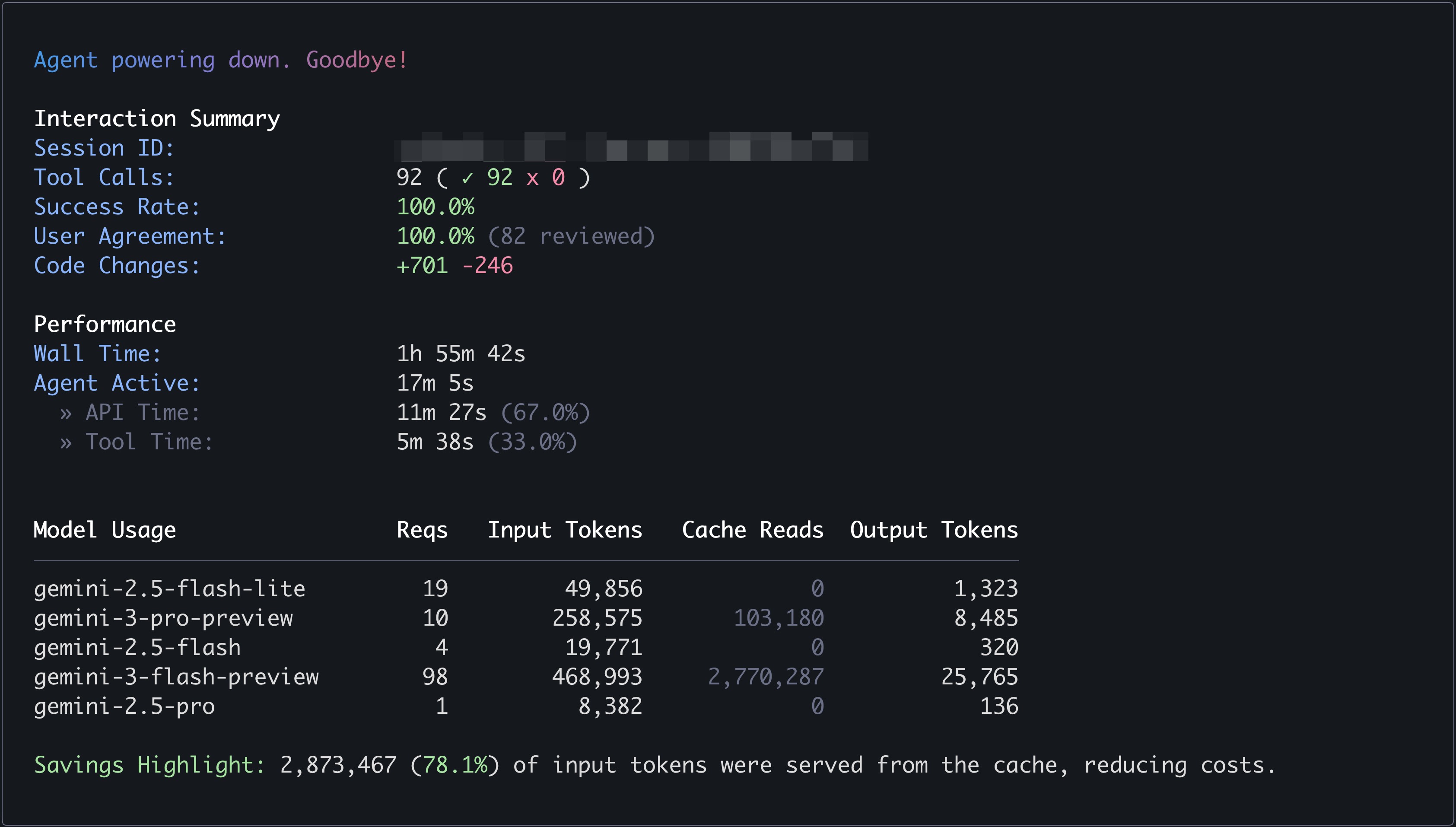
I didn’t want to burn tokens, so I decided to try Gemini CLI with the Gemini 3 model.
Here’s what I did:
- Pasted the Figma URL directly into Gemini CLI
- Gemini told me it couldn’t access the file without permission
- I generated a Figma access token and provided it
- Gemini successfully read the design and generated all pages, not just one
To my surprise, it worked end to end.
Results
-
Figma file
https://www.figma.com/design/0r45uhLbTGcAzsW0b33zBh -
Live preview (Next.js app)
https://figma-to-nextjs-ai.vercel.app/ -
Full Gemini CLI chat history
figma-to-nextjs-ai/chat_history.txt at main · letitcodedev/figma-to-nextjs-ai · GitHub
The output isn’t perfect, but for a free CLI-based workflow, it’s honestly impressive. Layouts, structure, and page separation were all handled automatically.
Thoughts
This experiment convinced me that:
- AI CLIs are becoming a real alternative to Figma-to-code plugins
- Giving the model direct design access (via tokens) makes a huge difference
- Even with a free model, the results are already usable as a starting point
I’m pretty sure that if I ran the same workflow with a stronger model like Opus 4.6 or GPT-5.3, the results would be even better—cleaner components, better semantics, and fewer manual fixes.
For now, though, this feels like a solid, low-cost way to bootstrap a Next.js project straight from Figma.
If you’re trying to automate design-to-code without paying for yet another SaaS tool, this approach is definitely worth a try.


 . It seems the model inferred reasonable breakpoints and layout adjustments on its own