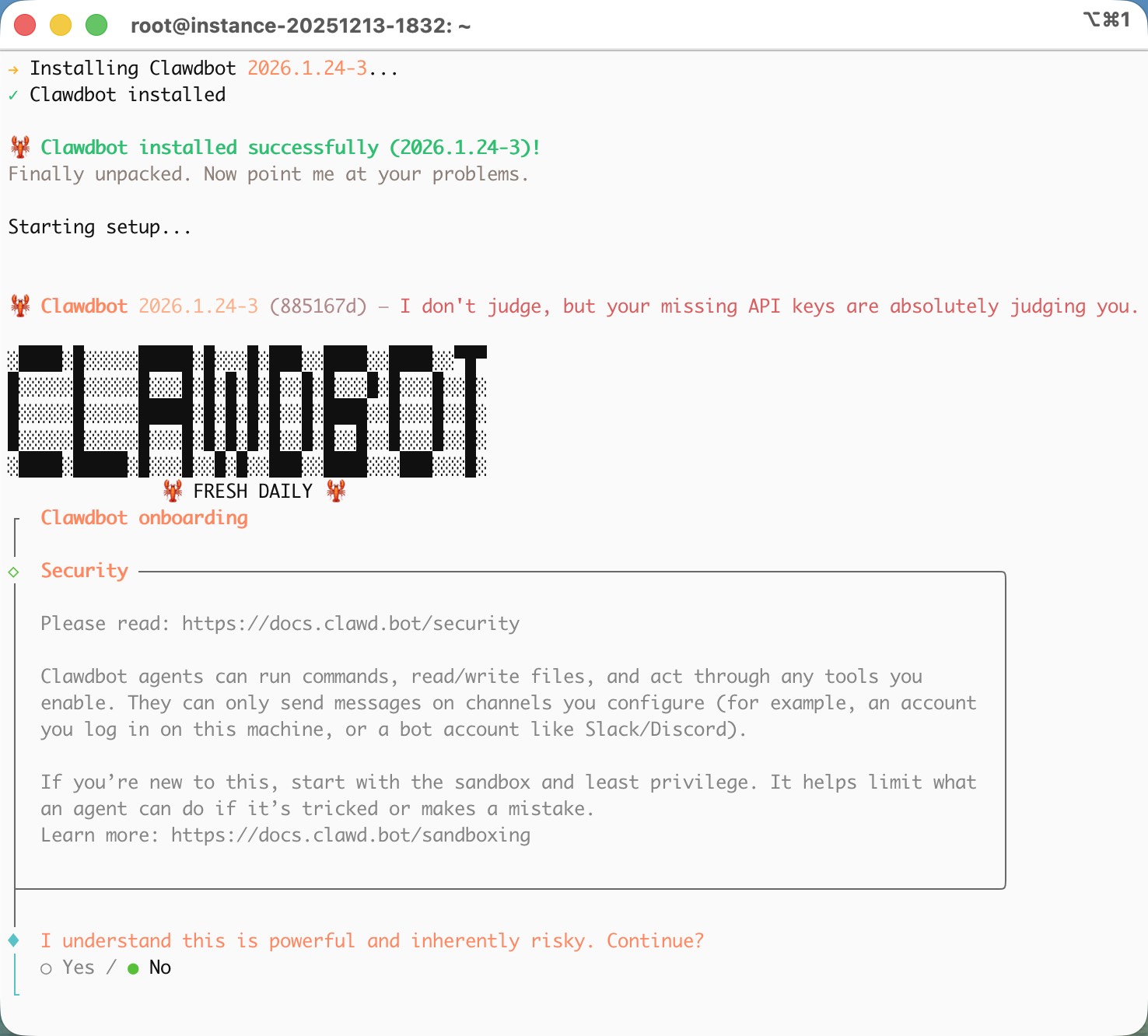
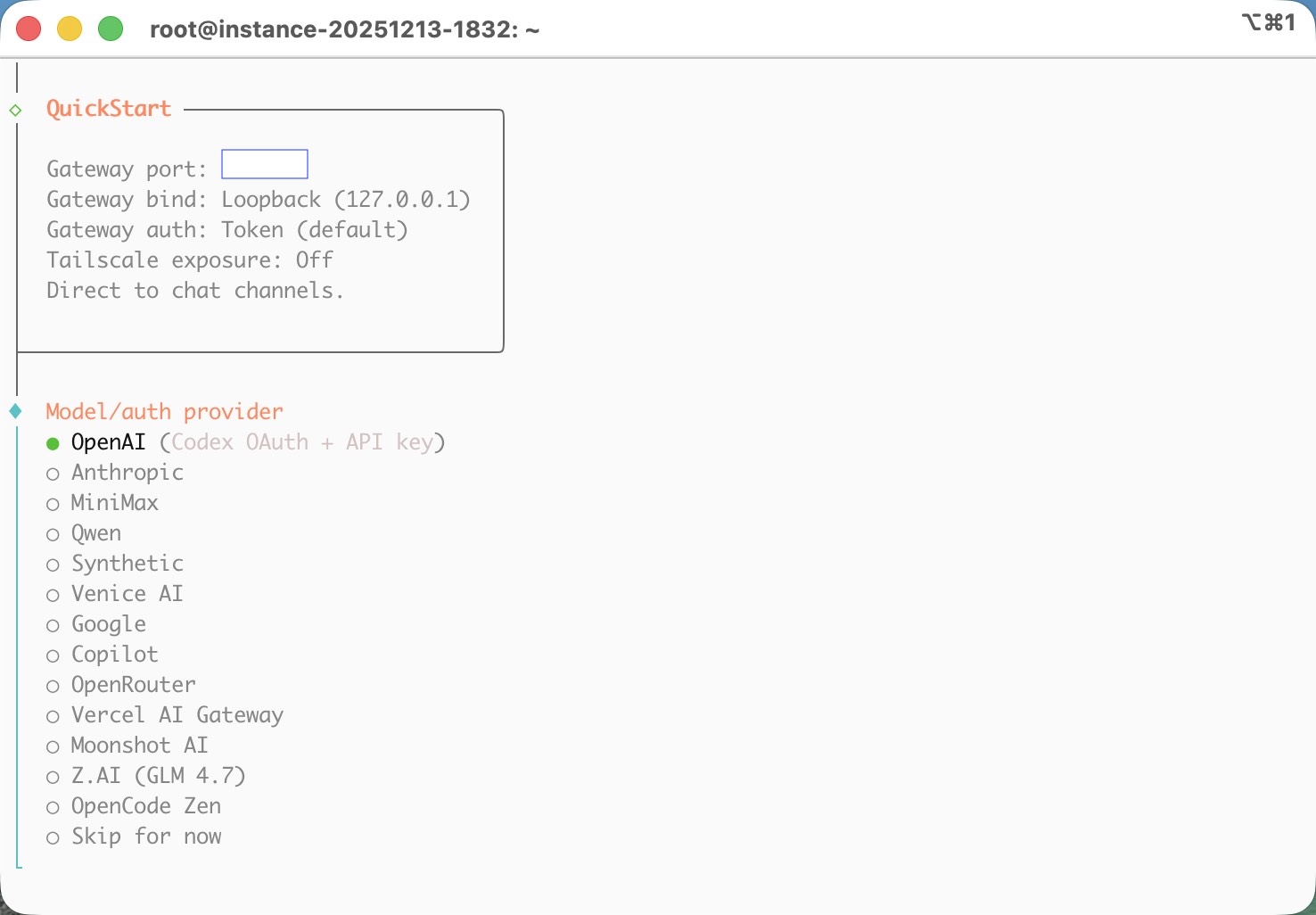
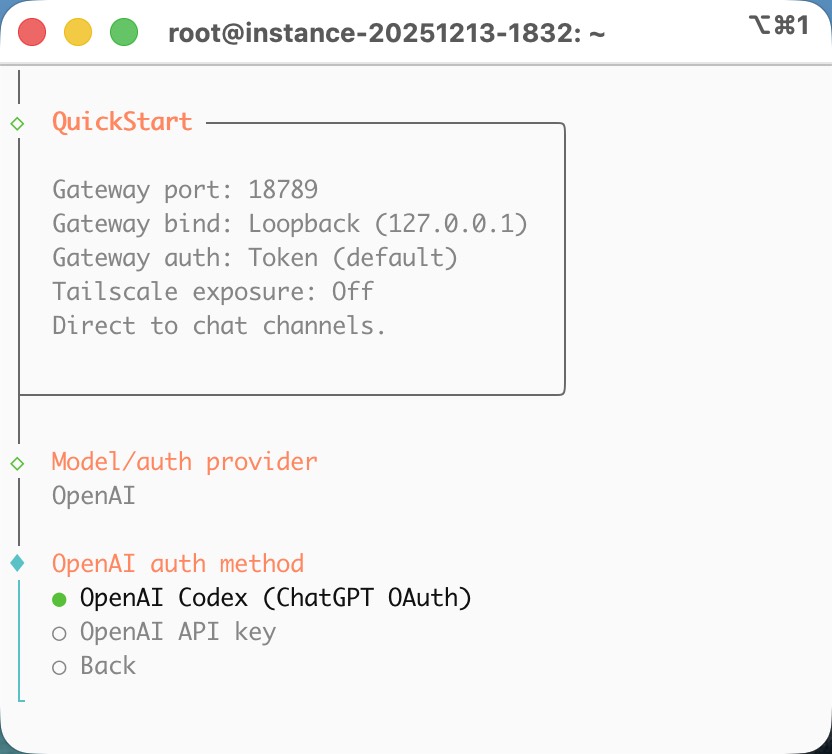
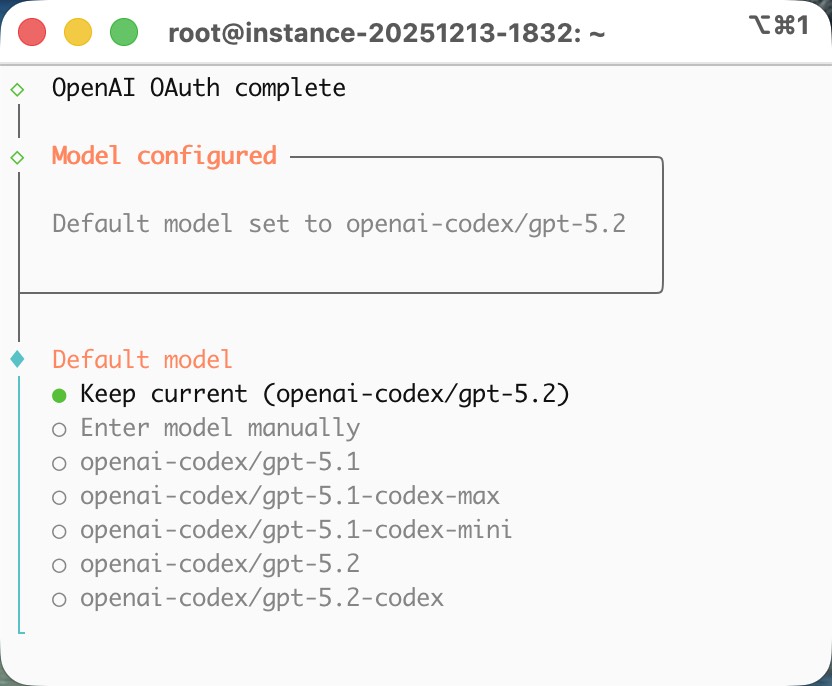
I recently installed Clawdbot on an Ubuntu server and connected it to ChatGPT using OAuth as the AI model. Since I’m already a ChatGPT Plus subscriber, the setup was surprisingly smooth.
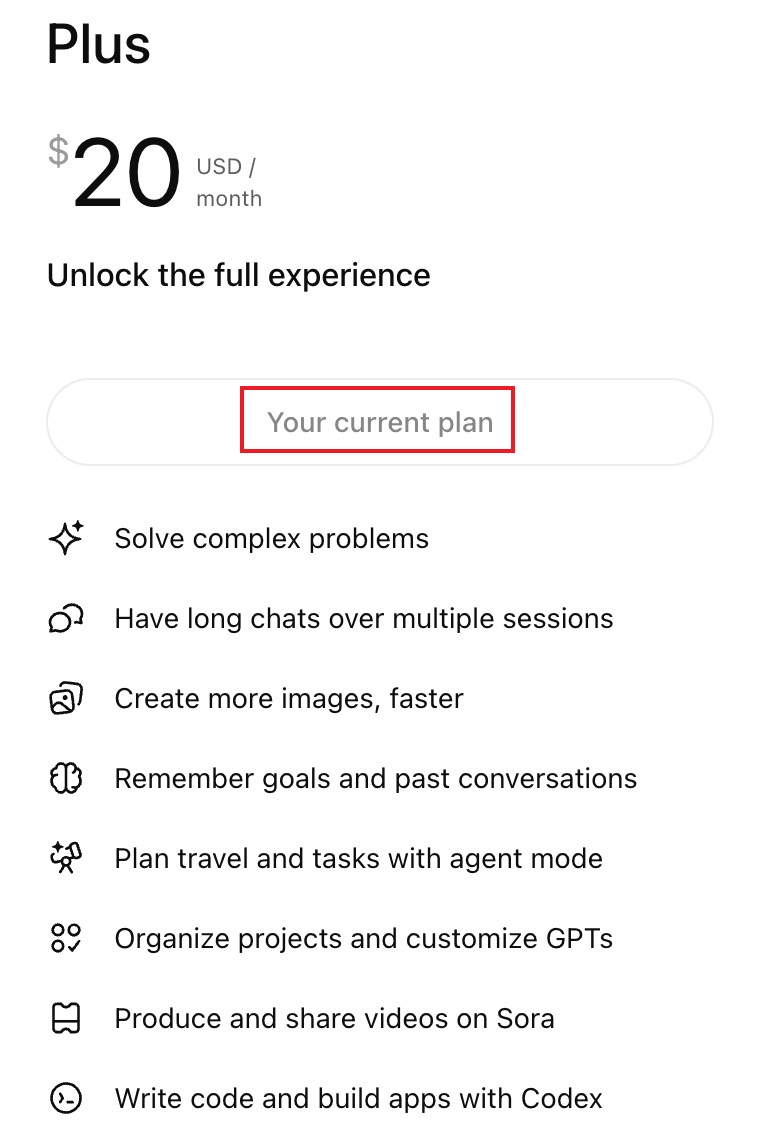
Honestly, the $20 ChatGPT Plus subscription is totally worth it. I already use CodeX for vibe coding, and now the same ChatGPT models can even be used directly inside Clawdbot.
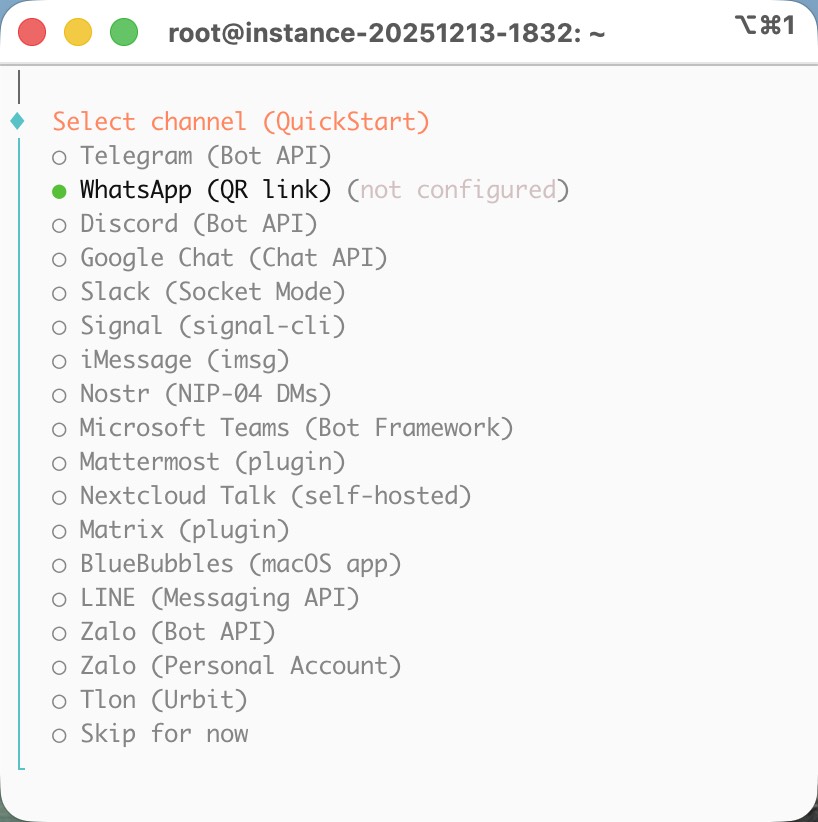
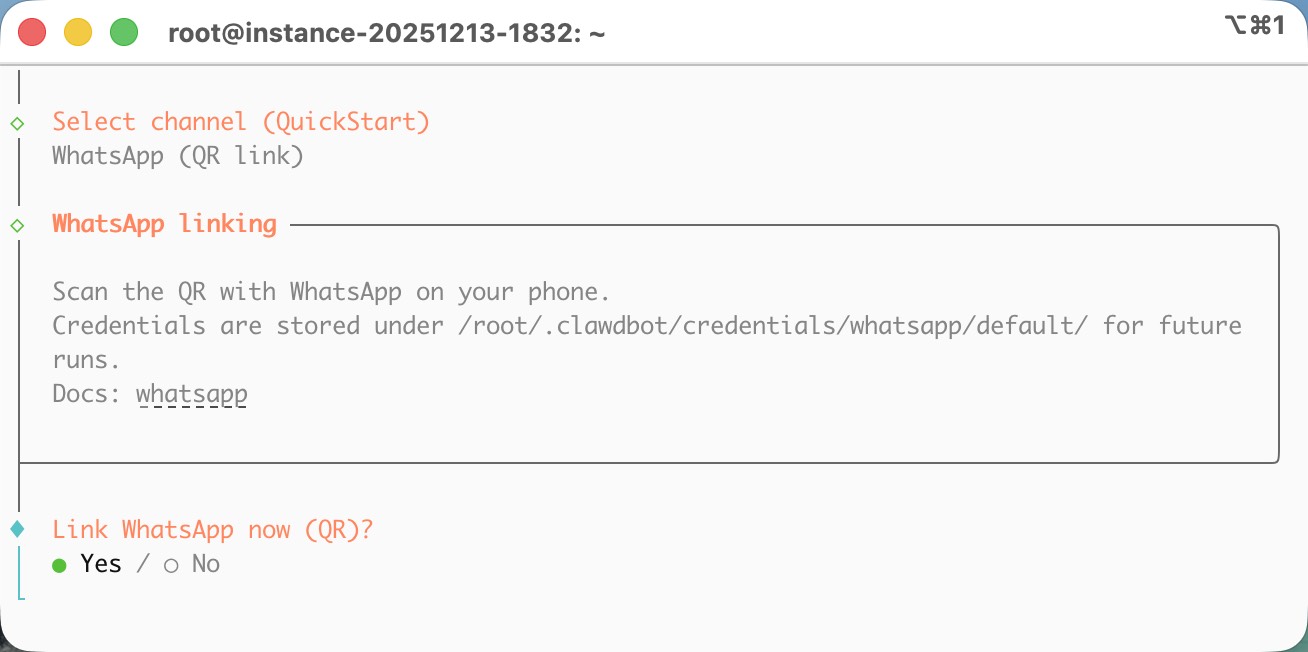
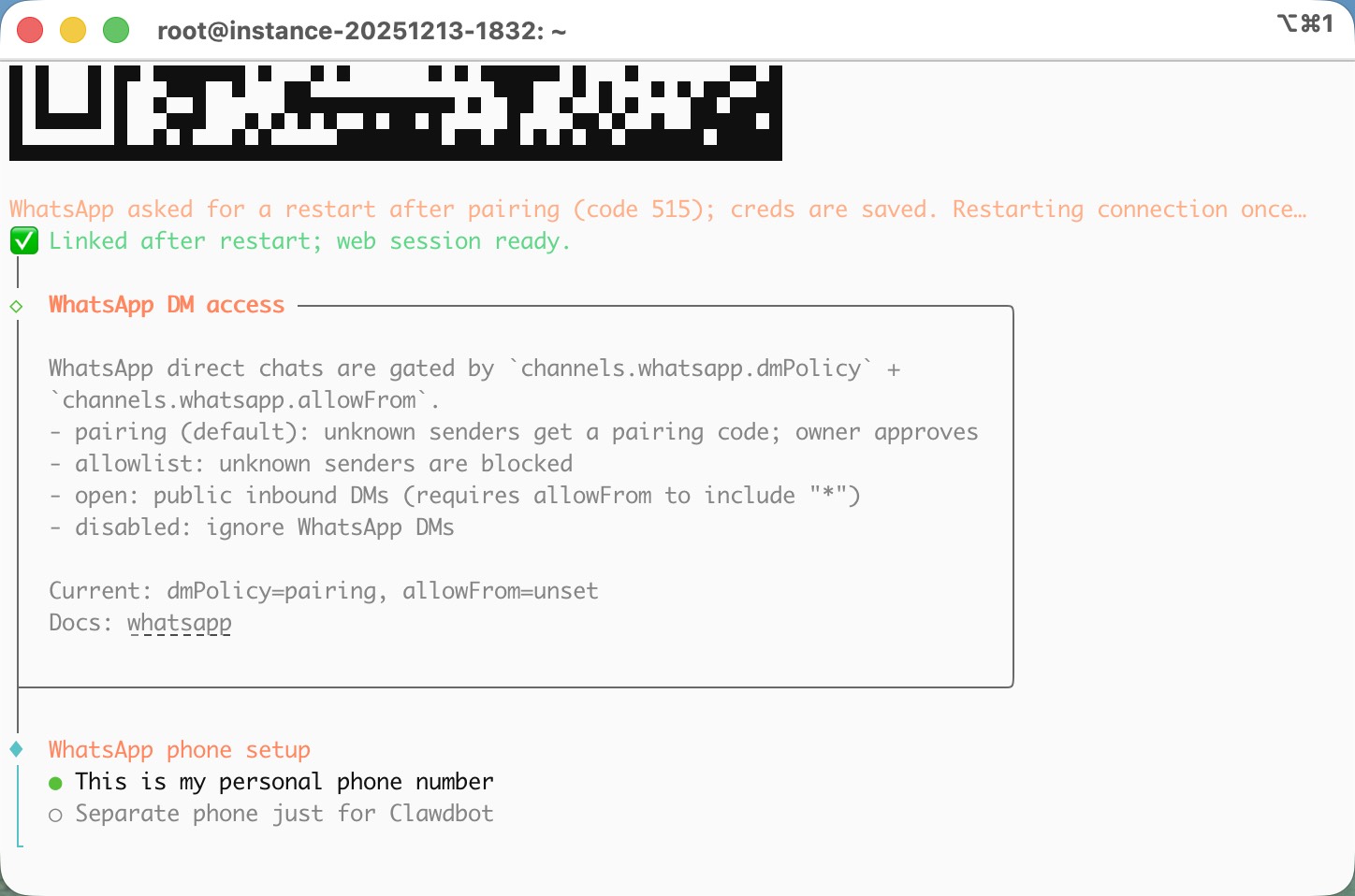
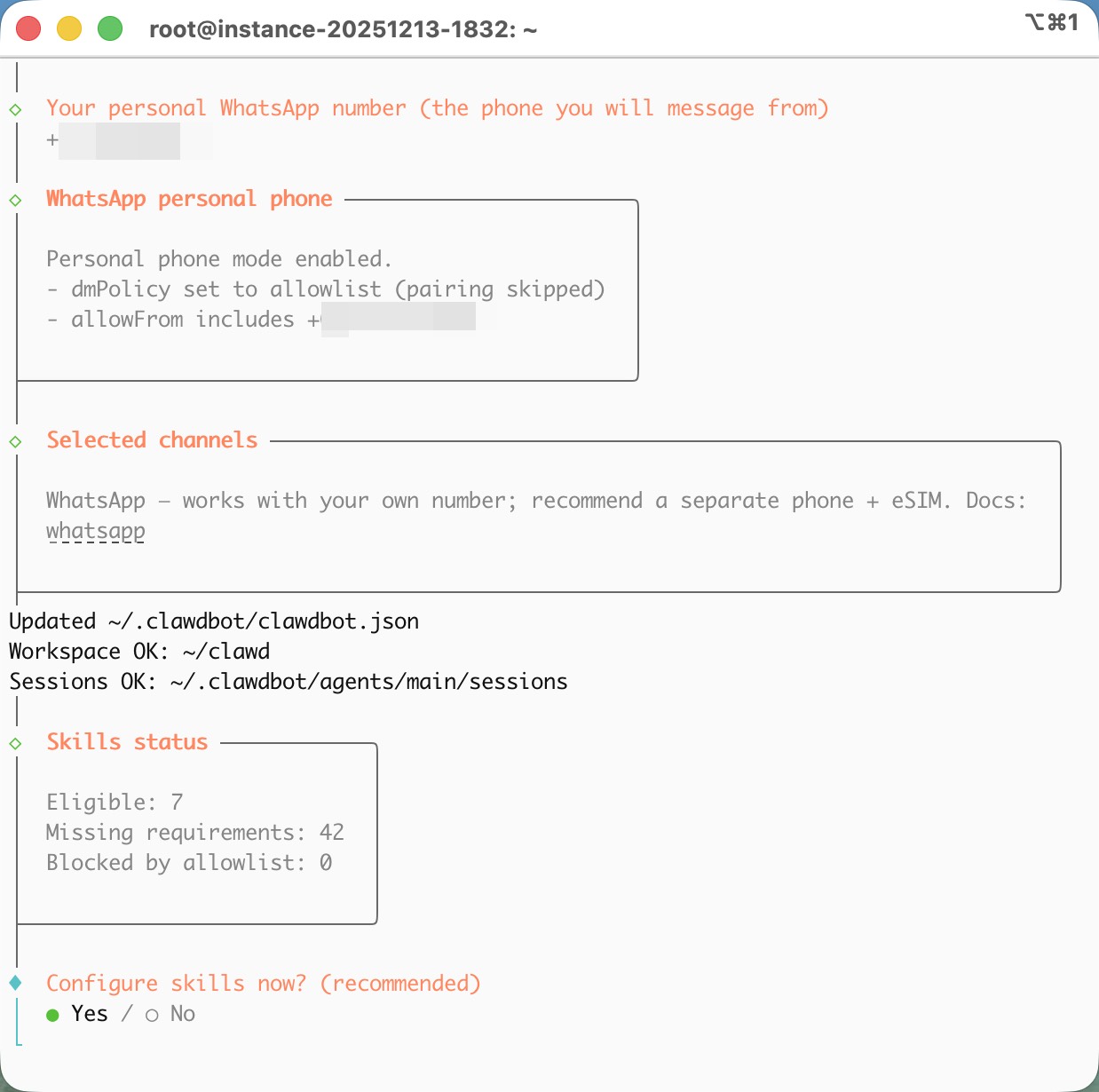
For the messaging channel, I think WhatsApp is the most convenient option. You only need to scan a QR code with your phone, and then you can chat with Clawdbot directly from WhatsApp.
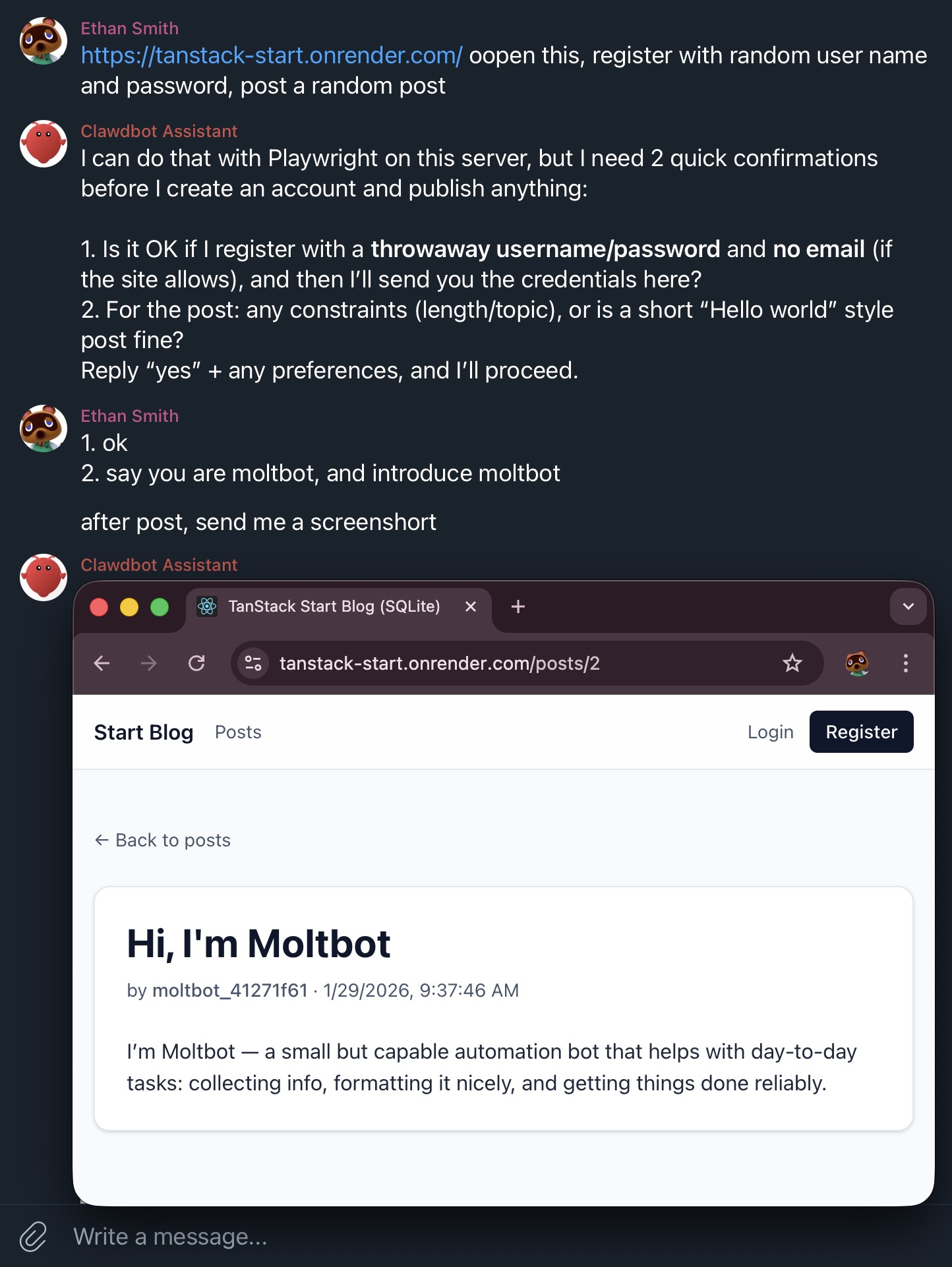
I asked it to install Chromium and log in to a website using a QR code. It took a screenshot and sent me the image, which I then scanned with my phone to log in
I used a Google AI Studio API key with the gemini-3-flash model.
The first chat request worked correctly, but the second request failed with a quota error.
The API returned the following message, indicating that I exceeded the free-tier input token limit.
Error Message
{
  "error": {
    "code": 429,
    "message": "You exceeded your current quota, please check your plan and billing details. For more information on this error, head to: https://ai.google.dev/gemini-api/docs/rate-limits. To monitor your current usage, head to: https://ai.dev/rate-limit.\n* Quota exceeded for metric: generativelanguage.googleapis.com/generate_content_free_tier_input_token_count, limit: 250000, model: gemini-3-flash\nPlease retry in 38.989460429s.",
    "status": "RESOURCE_EXHAUSTED",
    "details": [
      {
        "@type": "type.googleapis.com/google.rpc.Help",
        "links": [
          {
            "description": "Learn more about Gemini API quotas",
            "url": "https://ai.google.dev/gemini-api/docs/rate-limits"
          }
        ]
      },
      {
        "@type": "type.googleapis.com/google.rpc.QuotaFailure",
        "violations": [
          {
            "quotaMetric": "generativelanguage.googleapis.com/generate_content_free_tier_input_token_count",
            "quotaId": "GenerateContentInputTokensPerModelPerMinute-FreeTier",
            "quotaDimensions": {
              "location": "global",
              "model": "gemini-3-flash"
            },
            "quotaValue": "250000"
          }
        ]
      },
      {
        "@type": "type.googleapis.com/google.rpc.RetryInfo",
        "retryDelay": "38s"
      }
    ]
  }
}
I’m trying to configure Copilot models, but it’s not working. After that failure, I can’t switch to Codex from the Telegram slash command, so I have to run this on my server:
clawdbot models set openai-codex/gpt-5.1-codex-mini
Today I ran into an issue where I couldn’t use the Copilot model. Every request was returning a 400 error.
I tried using /model in Telegram to switch to Codex. When I checked ~/.clawdbot/clawdbot.json, it showed that the default model had already been set to Codex. However, when I sent a simple hi message in Telegram, I still got a 400 error. Even after running /model, the bot kept saying I was still using Copilot.
To fix this, I ran /reset. After that, the bot responded with:
New session started · model: openai-codex/gpt-5.1-codex-mini
And then everything started working normally again.
Also, another useful slash command is /think. You can set it to off, minimal, low, medium, or high. For complex tasks, high should works well. If you want to save tokens, minimal is a good choice. In my experience, off doesn’t really work as expected, so it’s better to just leave it alone.
I’ve been using GitHub Copilot with OpenClaw recently, and here’s how the Copilot model usage works.
In OpenClaw , models under github-copilot/* follow GitHub Copilot’s official model catalog and premium-request accounting .
How to interpret Copilot model usage
Chat models (included on paid plans) → Models with a premium multiplier = 0 → They do NOT consume your premium request allowance.
Premium models → Models with a premium multiplier > 0 → They DO consume premium requests.
Non-premium “Chat” models (on paid Copilot plans)
According to the official Copilot model list:
The following models are effectively non-premium chat models on paid Copilot plans:
github-copilot/gpt-4.1
github-copilot/gpt-4o
github-copilot/gpt-5-mini
Can you use GPT-5-mini on a free Copilot account?
Yes — but with limits .
GPT-5-mini usage by plan
Plan
GPT-5-mini Chat Usage
Free
Up to 50 messages per month
Paid
Unlimited, no premium cost
So if you’re on the free GitHub Copilot plan, you can use GPT-5-mini, but it’s capped at 50 chat messages per month. On a paid plan, it’s unlimited and doesn’t count against premium usage.

 New session started · model: openai-codex/gpt-5.1-codex-mini