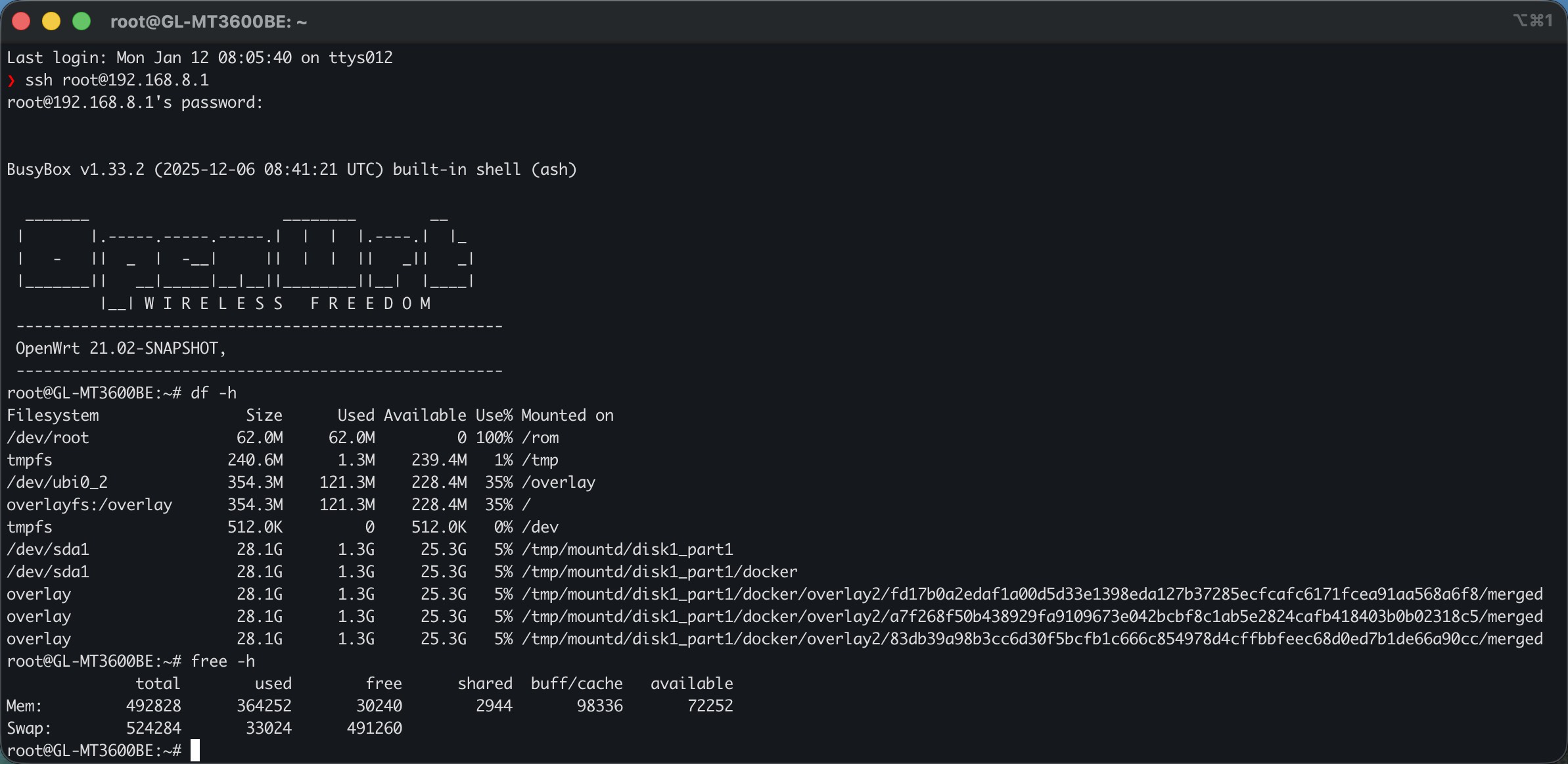
If your OpenWrt device has limited RAM, using a swapfile on a USB disk can help prevent OOM issues when running Docker or other heavy services.
Below is a simple + reliable setup using a swapfile under mountd.
 Check current memory & swap status
free -h
swapon -s
cat /proc/swaps
If Swap: 0, you’re not using swap yet.
 Create a 512MB swapfile on USB
Adjust the path if your USB mount differs.
dd if=/dev/zero of=/tmp/mountd/disk1_part1/swapfile bs=1M count=512
 Secure permissions (important)
chmod 600 /tmp/mountd/disk1_part1/swapfile
 Format the file as swap
mkswap /tmp/mountd/disk1_part1/swapfile
 Enable swap immediately (no reboot)
swapon /tmp/mountd/disk1_part1/swapfile
Verify:
free -h
swapon -s
cat /proc/swaps
 Tune swap behavior (recommended)
Lower swappiness so RAM is preferred and swap is only used when needed:
sysctl -w vm.swappiness=10
echo 'vm.swappiness=10' >> /etc/sysctl.conf
Check:
sysctl vm.swappiness
 Enable swap automatically after reboot (mountd-safe)
USB disks are mounted late via mountd, so enabling swap too early often fails.
This init script waits until the swapfile actually exists.
Create init script
vi /etc/init.d/swap-delay
Paste:
#!/bin/sh /etc/rc.common

START=99

start() {
    (
        for i in $(seq 1 120); do
            if [ -f /tmp/mountd/disk1_part1/swapfile ]; then
                logger -t swap-delay "Enabling swap from mountd path"
                swapon /tmp/mountd/disk1_part1/swapfile
                exit 0
            fi
            sleep 1
        done
        logger -t swap-delay "Swapfile not found, giving up"
    ) &
}
 Enable + reboot
chmod +x /etc/init.d/swap-delay
/etc/init.d/swap-delay enable
reboot
 Verify after reboot
free -h
swapon -s
logread | grep swap-delay
You should see swap enabled automatically once the USB disk is mounted.
 Notes / Tips
- Swapfile > swap partition for flexibility
- Use USB 3.0 storage if possible (USB 2.0 is slow + unstable under load)
- Keep swap size reasonable (256–512MB is usually enough)
- Swap helps stability, not performance